
CelSector Mods: Texture Swaps, Translations and Limits
What CelSector mods actually cover: the two mod types the v1.2 notes promise, what a texture swap can change, and why there is no Workshop page.
Quick answer: CelSector mods exist in exactly two forms, both announced in the v1.2 launch notes: character textures for the player and for enemies, and community translations. Neither comes with a published folder path, file format or loader, the Steam page has no Workshop tab, and no gameplay mod hook is mentioned anywhere official. A texture repaint is the realistic first project, a translation pack is the second, and anything that changes damage, weapons or enemy behaviour has no supported route in.
This page covers what the developer promised, what those promises can reach inside the game's systems, and the parts that stay closed. The update history→ has the patch text itself, and the PC page→ covers where the game is sold.
The v1.2 notes say textures are moddable and that players should build and share them. They do not name a directory, a file extension or an install step. Anything claiming a fixed path is guessing.
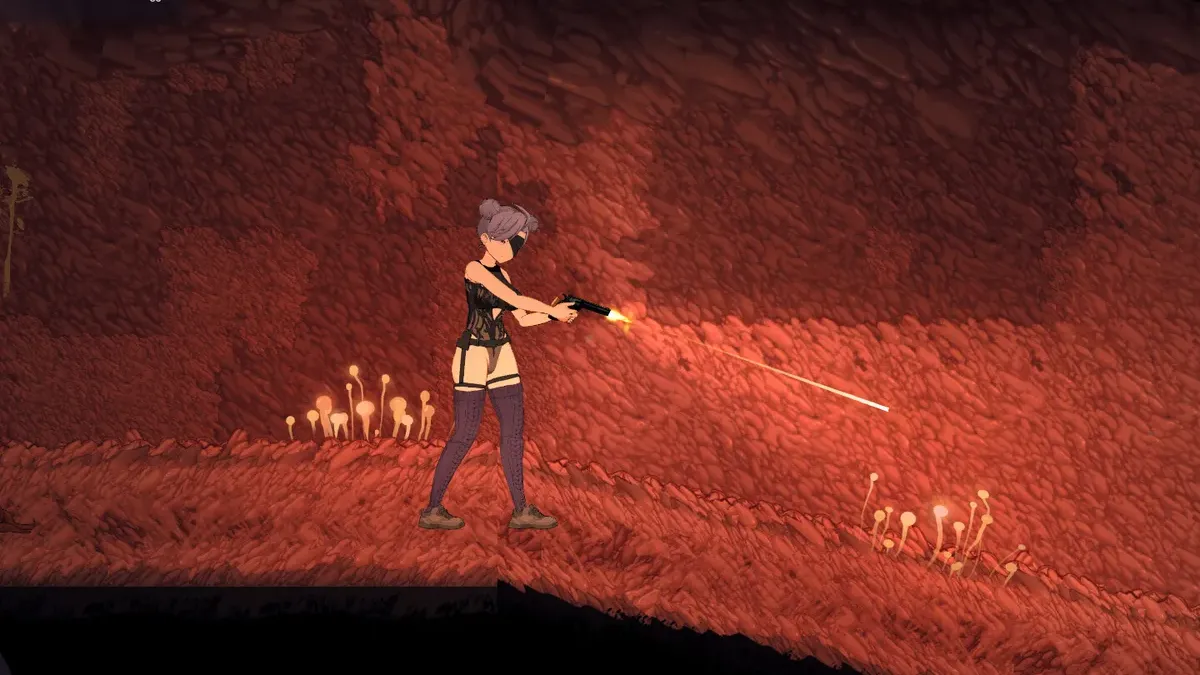
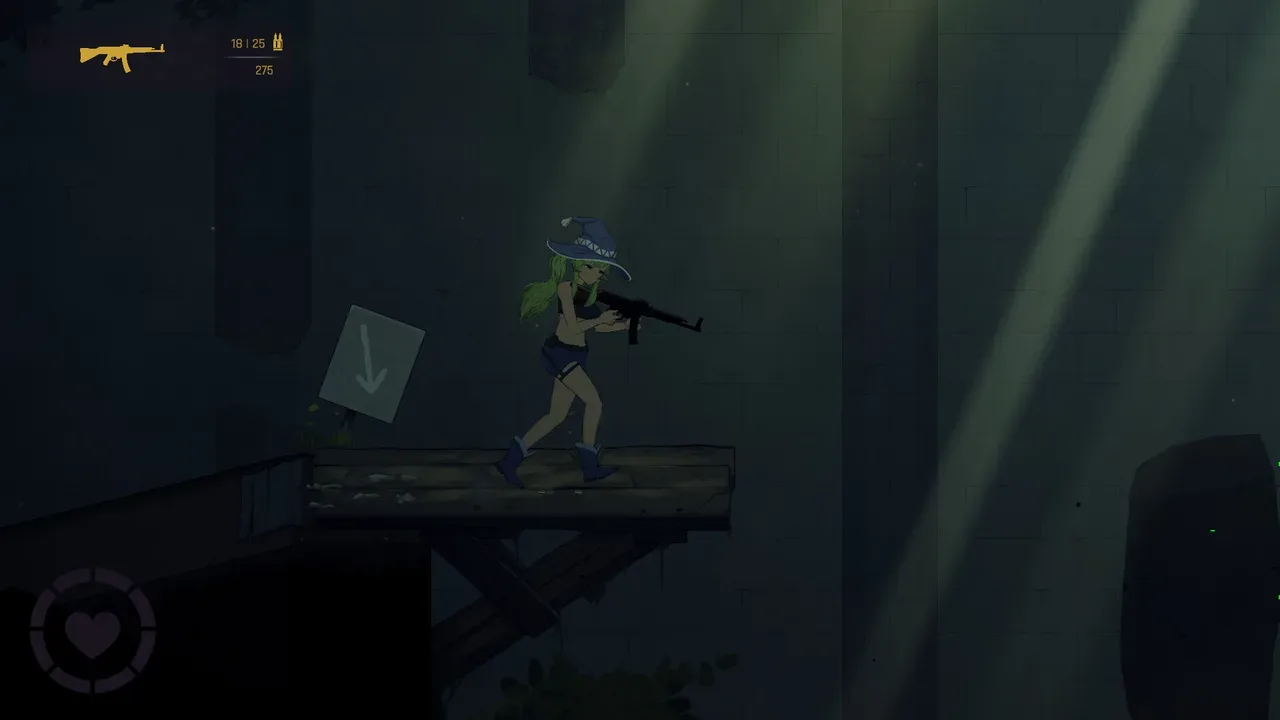
What the v1.2 notes actually promise
Two bullet points, both under the patch's Modding, Settings, QOL heading.
| Feature | Official wording | What it reaches in practice | Install path documented |
|---|---|---|---|
| Character textures | "Fully moddable character textures - enemies and player" | Player sprites and enemy sprites can be repainted | No |
| Translation packs | "Moddable translations, so the community can localize CelSector into any language" | A new language can replace one of the shipped ones | No |
| Steam Workshop | Not mentioned, and no Workshop category on the store page | No subscribe button, no automatic updates | Not applicable |
| Mod tools or scripting API | Not mentioned | No way to add weapons, enemies or levels | Not applicable |
| Multiplayer mods | The store page lists no co-op or multiplayer category | Every mod runs in a single-player session | Not applicable |
The distinction matters because "moddable" in the notes is a statement about art and text. The sentence about textures ends with "build your own, share them, and reshape the game however you want", which is a permission to redistribute your own repaints rather than a claim that the game exposes its rules.
What a texture swap can change
A repaint is cosmetic, and that is the point. It does not touch the numbers behind the art, which the game keeps in its own logic.
| System | Affected by a texture mod | Why |
|---|---|---|
| Clothing damage | Yes, visually | Each item has three destruction levels that change how it looks |
| Grab escape difficulty | No | The armour value that makes escapes harder is a stat, not a sprite |
| Hitboxes and grab ranges | No | Collision comes from the character rig, not the texture |
| Animations | No | Frames come from the animation data, so a repaint has to fit the existing poses |
| Saves and achievements | No | Neither file is touched by an art swap |
That last row is the reason texture mods are safe to experiment with. The clothing damage page→ explains the three visual levels in detail, and it is also the page to read before you repaint an outfit, because a texture set that only covers the intact state removes your visual cue for when a grab gets dangerous.
The animation pipeline shapes what you can redraw
The itch page tags the engine as Unity, and the official description credits Spine 2D for the enemy animation: "Every enemy is brought to life using Spine 2D, featuring fluid movement and multi-stage animation sequences."
Spine normally packs poses into shared atlas sheets instead of exporting one image per frame. If CelSector follows that layout, a single enemy texture is a sheet of body parts rather than a full character drawing, and a repaint has to keep every part in the position the atlas expects. Redrawing the whole sheet at a different scale is the usual way a first attempt breaks: parts drift, and a limb ends up painted over the wrong region of the sheet.
Keep the canvas size and part positions identical to the original sheet and change only the pixels inside them. Scaling the sheet is what turns a working repaint into a scrambled character.
Translation mods and the eleven shipped languages
The retail build ships eleven languages, and the demo shipped ten before Russian was added. A community translation therefore replaces one slot rather than adding a new one.
| Language | In the retail build | In the demo build |
|---|---|---|
| English | Yes | Yes |
| French | Yes | Yes |
| Spanish (Spain) | Yes | Yes |
| Japanese | Yes | Yes |
| Korean | Yes | Yes |
| Simplified Chinese | Yes | Yes |
| Traditional Chinese | Yes | Yes |
| Thai | Yes | Yes |
| Vietnamese | Yes | Yes |
| Filipino | Yes | Yes |
| Russian | Yes | No |
Why the font matters
Fonts are the usual failure point for a translation pack. The same patch that opened translations also lists "Improved fonts" and a brightness slider in the settings pass, which tells you text rendering was being worked on at launch. A language whose script the shipped font does not cover will show empty boxes no matter how good the strings are.
What stays closed
Four things have no supported route, and each one is closed for a different reason.
- Damage and weapon values. No script hook is mentioned, and the thirteen guns are built into the game rather than loaded from data files.
- Enemy behaviour. The 35-plus enemy types run on the game's own logic, and the v1.2 notes only touch two of them by adding new ones.
- Level layout. The six sectors are hand-drawn stages with no editor, no mod level format and no way to load a new one.
- Save editing. Saves do carry into the retail build from the demo, but the format is undocumented, and the demo save page→ covers the transfer that is officially supported.
Achievements are not part of the promise
Steam achievements are tied to the retail build's own checks, and a texture swap does not touch them either way. They are not moddable, and nothing in the notes suggests they ever will be.
Sharing, and why there is no Workshop page
The v1.2 notes tell players to share what they build, and the launch post points at the official Discord for feedback and bug reports. That is the only distribution channel the developer names. Steam Workshop would need the Workshop category on the store page, and the category list runs to single-player, achievements, volume controls, stereo and surround sound, partial controller support and family sharing. Workshop is not on it.
So mods travel as files passed around by hand. Two consequences follow. There is no version check, which means a repaint built against the launch build can go stale after a patch. And there is no malware screening, which is worth remembering before you drop an unknown archive into a game folder.
No official host means no official scan. Check what an archive contains before you unpack it, and keep a clean copy of the game's original texture files so you can undo a swap.
Modding a game with no multiplayer
CelSector is single-player only. That removes the usual reason mods get patched out, since there is no other player's session to break, and it also removes the usual reason to install one: nobody sees your repaint except you.
The exception is the post-game Sandbox Room added in v1.2, which pairs with the cheat toggles for no aggro, no grab and no effect decay. A texture project is easier to check there than in a live run, because the room lets you look at a character without a grab interrupting the view. The ending and post-game page→ covers how to unlock it.
FAQ
Are there CelSector mods on Steam Workshop? No. The store page has no Workshop category, and the developer has never mentioned one. Sharing happens through the official Discord and by passing files around.
Can I install gameplay mods that change damage or weapons? Not through any supported route. The v1.2 notes only promise character textures and translations, and no scripting API is documented.
Will a texture mod break my save? A texture swap does not touch save data, so the file stays intact. A translation pack is the riskier of the two, because a malformed string file can stop the game from loading text.
Does modding affect achievements? Achievements are checked by the game's own logic, and a repaint does not change that logic. Nothing official says texture mods disable achievements.
Where do I put a mod file? The developer has not published a folder, format or install step, so there is no answer to give that would be accurate. The Discord is where that information would appear first.
Sources
Official source: CelSector on Steam ↗ · CelSector demo on itch.io ↗ · Steam news and patch notes ↗
Tested source: modding lines quoted from the v1.2 launch notes, language list from the store page, and system behaviour from this site's clothing, save and post-game pages.