
Celsector Gallery: Scenes, Screenshots and How to Unlock
How the CelSector gallery works, what v1.2 added to it, the Hold That Pose requirement, and a screenshot tour of the six hand-drawn sectors.
Quick answer: CelSector has an in-game gallery that holds the scenes you unlock while playing, and one of the 19 Steam achievements, Hold That Pose, asks you to unlock every scene in it. The v1.2 update added more zoom stages and made gallery animations loop forever on auto. Nothing in the gallery is bought, coded in or unlocked with a cheat.
The post-game page→ covers the room the gallery sits in after the ending, and the achievements page→ lists the full 19 with their conditions.
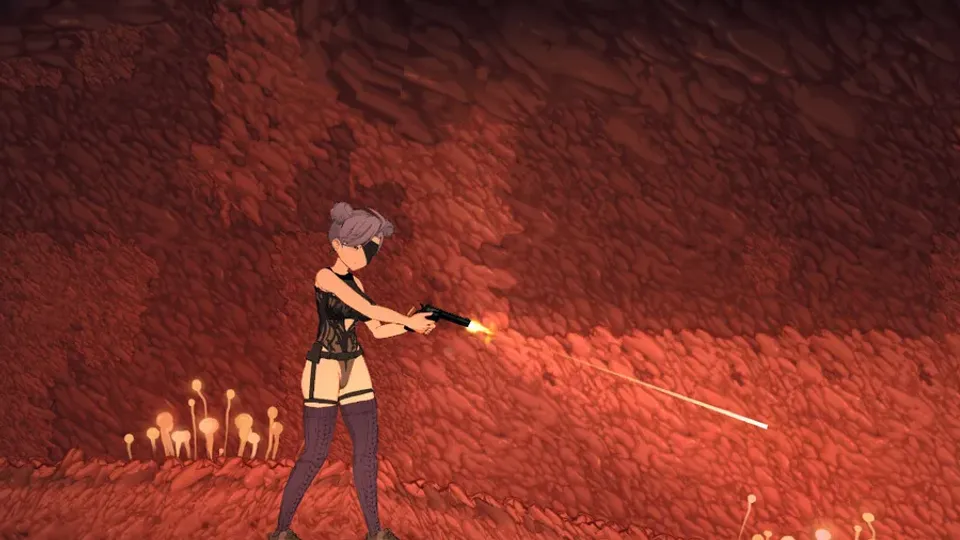
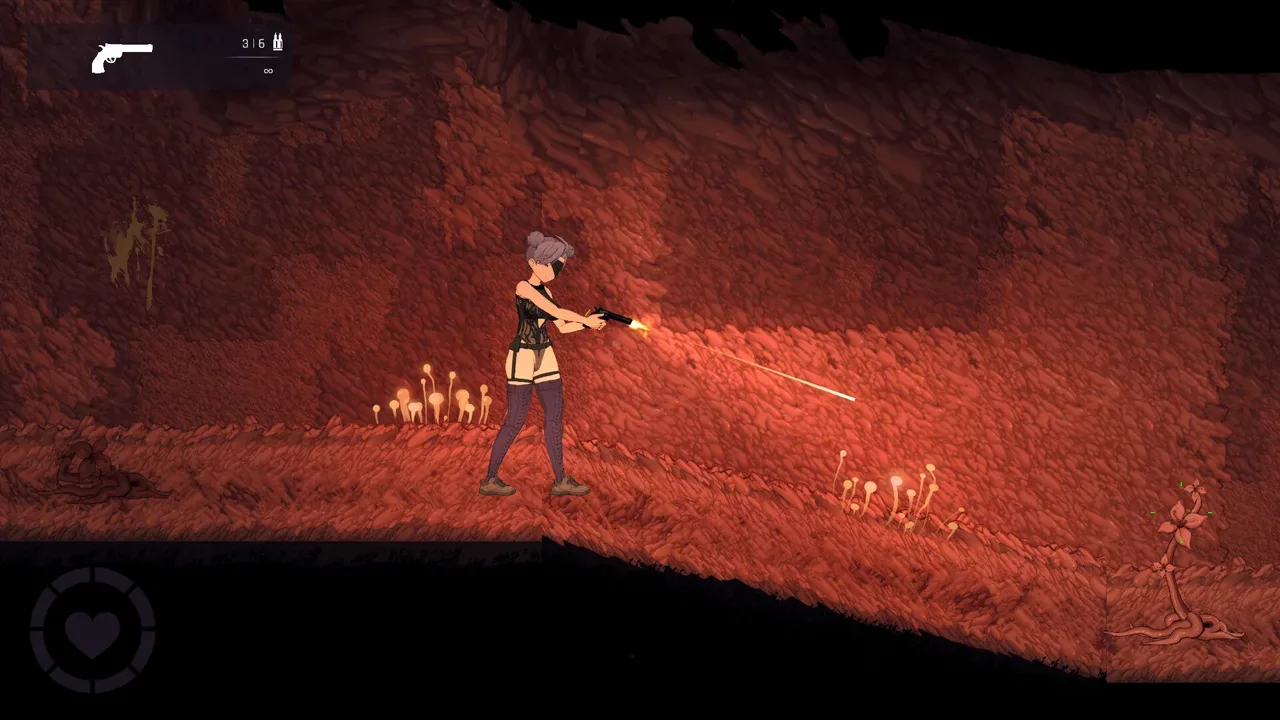
This page runs two things side by side: how the gallery works as a system, and a tour of the official screenshots so you can see what the six sectors look like before you buy. The screenshots are the store's own captures, not renders or fan art.
There is no gallery shop and no unlock code. Scenes open as you reach them in the story and in the post-game room, which is why Hold That Pose is a completion goal rather than a purchase.
What the gallery is
The gallery is a viewer, not a level. It shows the scenes you have reached, lets you zoom into them, and can play them back on auto. The base game shipped with the viewer, and v1.2 expanded it rather than replacing it.
| Feature | Detail |
|---|---|
| What it holds | Scenes unlocked through play |
| Zoom | Multiple stages, expanded in v1.2 |
| Auto playback | Animations loop forever on auto since v1.2 |
| Access | From the post-game room once the story is done |
| Purchase option | None |
| Unlock code | None |
| Achievement | Hold That Pose, unlock every scene |
The store page carries adult content descriptors, and the gallery is where most of that content lives. This site documents the system and the unlock conditions only. It does not reproduce the scenes.
How scenes unlock
Scenes are tied to progress. Reach a scene in the story and it joins the gallery; finish the story and the post-game room opens the rest of the route. There is no separate currency, no scene shop and no code field, which is the part most code lists get wrong.
A practical order for completing it:
- Finish the story once. A first clear unlocks the post-game room and with it the faster route back through the sectors.
- Use fast travel, added in v1.2, to revisit sectors without replaying the whole campaign.
- Re-clear the scenes you skipped. Optional encounters count, so a rushed first run usually leaves a few gaps.
- Check Hold That Pose on the achievement list. It flips only when the last scene is in.
- Keep the save. Progress toward Hold That Pose lives on that profile.
The clothing customisation page→ matters here because outfits appear in scenes. A customised character shows up in the gallery, which is why the layer system and the gallery are usually discussed together.
A screenshot tour of the six sectors
The store screenshots roughly follow the campaign order, so they double as a preview of what each sector looks like.
| Screenshot | Sector | What it shows |
|---|---|---|
| Prison hallway fight | A1 | Four zombie nurses closing on the player in a tiled corridor |
| Web stairwell | A2 to B1 | Silk-covered stairs, an orange outfit and the SMG |
| Hive swarm chamber | B2 | A bee swarm, a white-haired character and the rifle |
| Red hive interior | B2 | Organic walls, a gray-haired character and the pistol |
| Lab corridor | C1 to C2 | A suited character with a flashlight and egg sacs |
| Red hive character | B2 | A green-haired character in a witch hat with the rifle |
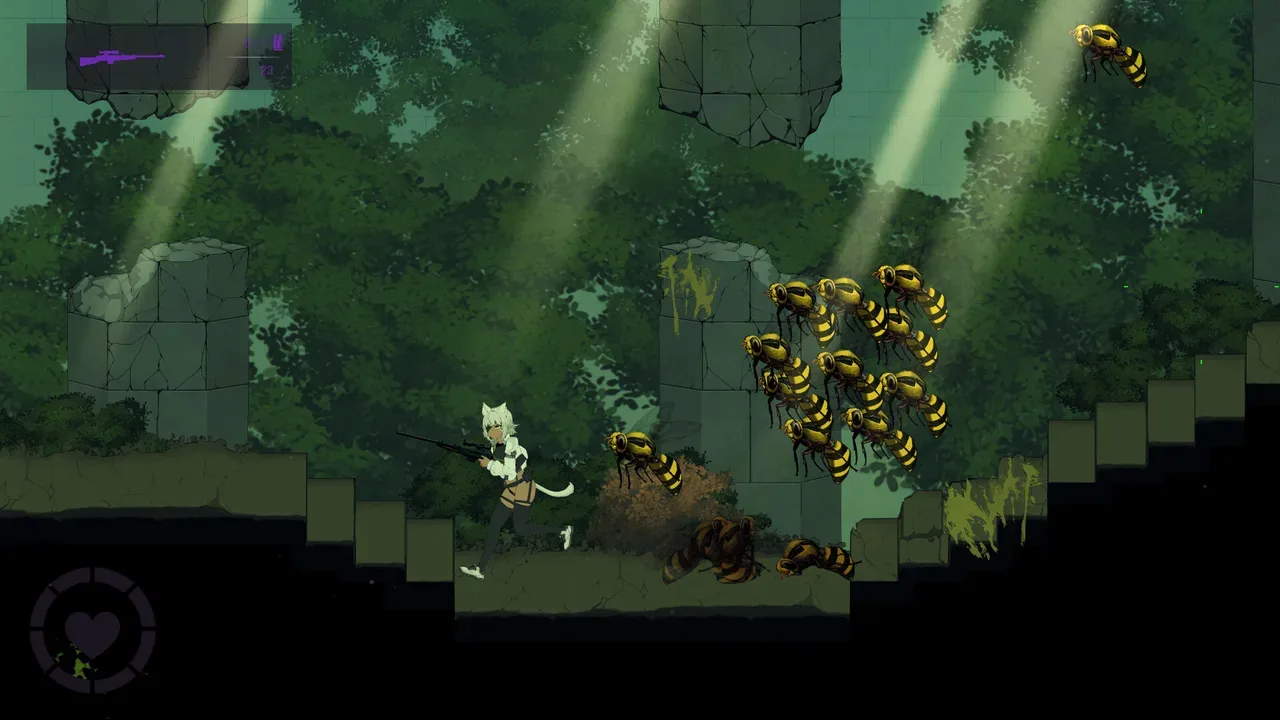
The hive chamber is the clearest look at the enemy count. The store advertises 35 or more enemy types, and the swarms are a good argument for the laser pistol.
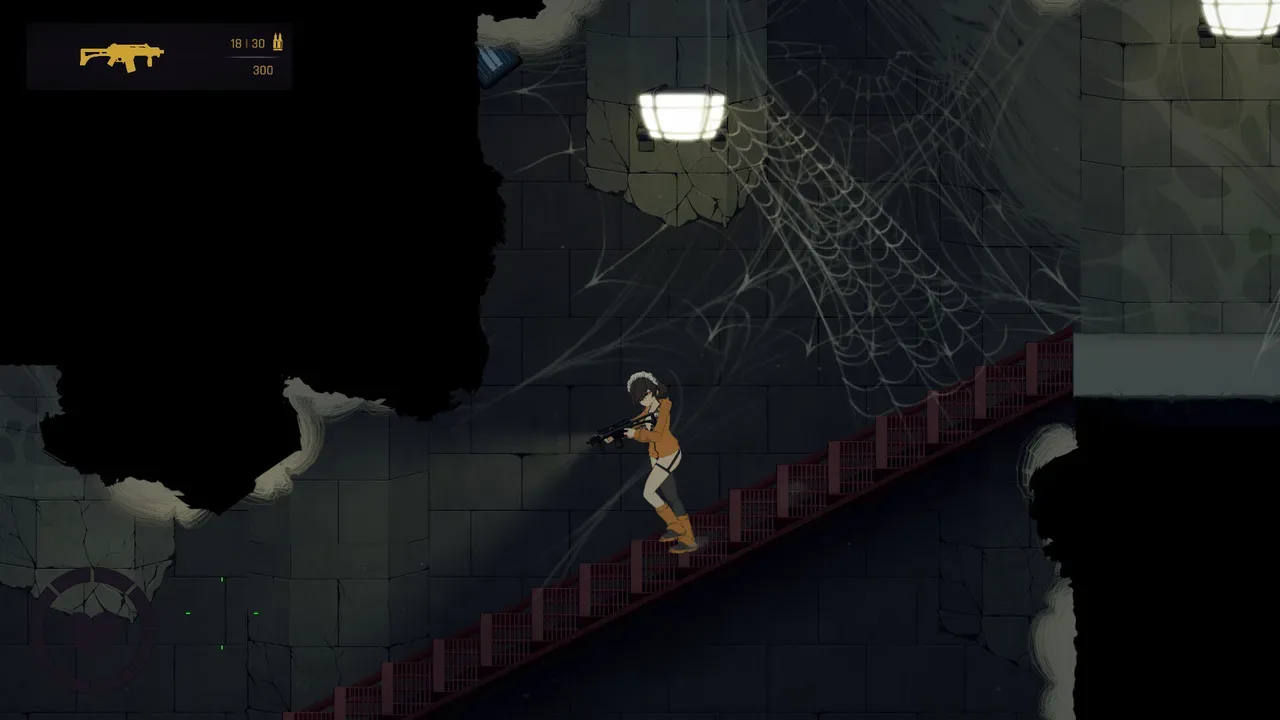
The web rooms are where clothing damage stops being cosmetic. Silk costs more when the outfit is already shredded, and the stairs are a good example of a room with no safe corner.
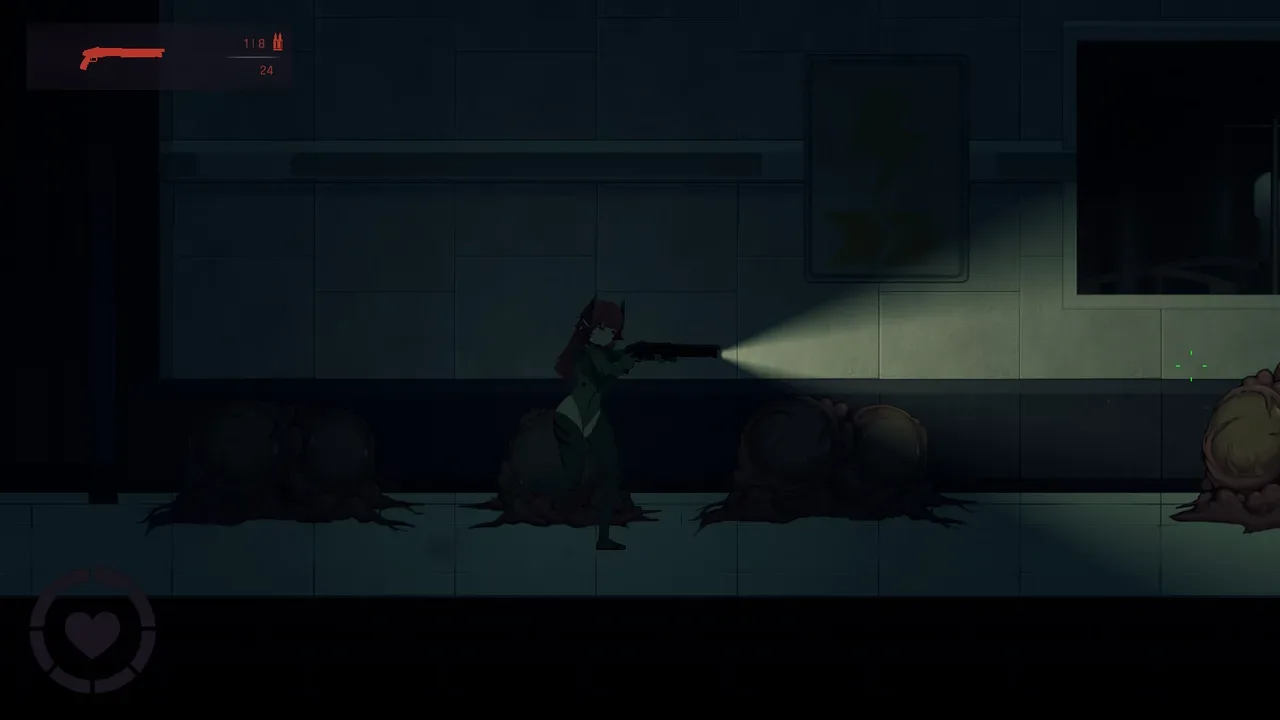
The laboratory corridor is the last visual shift in the campaign. It also shows the lighting the brightness slider is for.
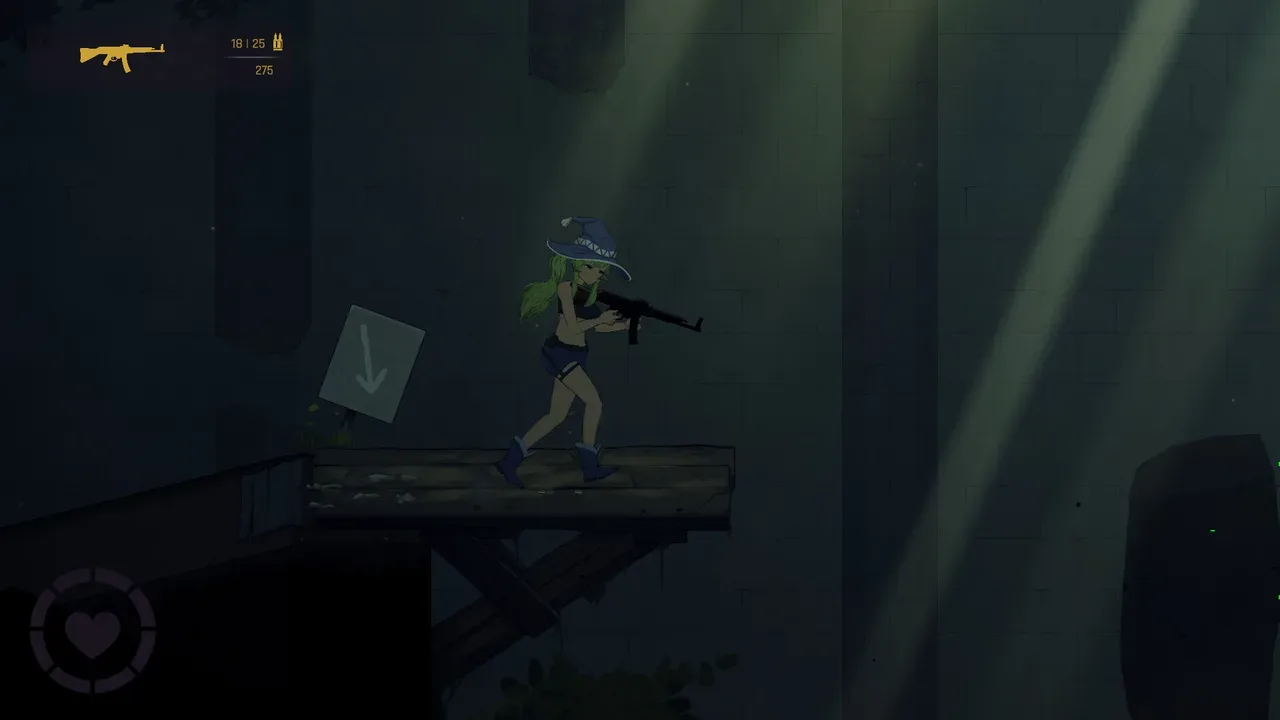
The green-haired character is a good look at the layer system: hair, hat, outfit and colour are separate choices, and the result carries into scenes and cutscenes.
Gallery vs screenshots
| In-game gallery | This page | |
|---|---|---|
| Content | Unlocked scenes, animated | Store screenshots, static |
| Unlock | Story and post-game progress | None |
| Achievement | Hold That Pose | None |
| Adult content | Yes | No |
| Purpose | Playback and zoom | Preview of the sectors |
The in-game gallery is the thing Hold That Pose tracks. The screenshots above are the public captures, and they are safe to look at before buying.
What is not documented
The developer has not published a scene count, a list of scene names or a breakdown of which scenes sit behind optional encounters. Any page that lists exact totals is guessing. The achievement is the only official measure of completeness.
Mod support covers character textures and translations. There is no gallery mod API, and no documented way to add scenes.
FAQ
How do you unlock the gallery in CelSector? Play the story. Scenes join the gallery as you reach them, and the post-game room opens the rest of the route.
What does Hold That Pose require? Unlocking every scene in the gallery, per the Steam achievement list.
Does the gallery have codes? No. YumamiSoft has not released any codes, and the game has no redeem field. The codes page→ covers the toggles people mistake for codes.
Can I zoom the scenes? Yes. v1.2 added more zoom stages, and auto playback now loops animations forever.
Are the gallery scenes adult content? Yes. The store lists explicit content, and the gallery is where most of it sits.
Do custom outfits appear in scenes? Yes. The character you build with the 16 layers and 40 colours is the character in the scenes.
Sources
Official source: CelSector on Steam ↗ · Steam achievements for CelSector ↗ · Steam news and patch notes ↗ · CelSector demo on itch.io ↗
Tested source: the gallery route and the v1.2 zoom and auto-loop changes checked on a retail 1.2 save; the Hold That Pose wording copied from the Steam achievement list, and the screenshots taken from the official store media.