
CelSector System Requirements: What the Min Specs Mean
CelSector's official minimum specs, what each number tells you, and the settings that matter on a low-end laptop. Windows only, 1GB install, 8GB RAM.
Quick answer: CelSector needs Windows 10 64-bit, 8GB of RAM, a GTX 560 Ti or Radeon HD 7750 with 1GB of VRAM, and 1GB of disk space. That is a 2011-era GPU floor paired with a 2015-era RAM figure. The RAM number is the one that decides whether an older laptop runs it.
If you have not bought it yet, the beginner guide→ covers price, content and what the first hour looks like. Once the game runs, the 100% tracker is the tab you will keep open, and the controls page→ covers the input and display settings that matter more than raw hardware for this game.
The developer publishes a minimum set only. There is no recommended tier on the store page, and no separate spec list for the demo. Everything below comes from the Steam listing plus the v1.2 patch notes, which mention a memory fix that explains part of the RAM figure.
YumamiSoft lists minimum requirements only. If your machine clears them, the store page gives you no second tier to aim for, and the game ships no benchmark or preset picker.

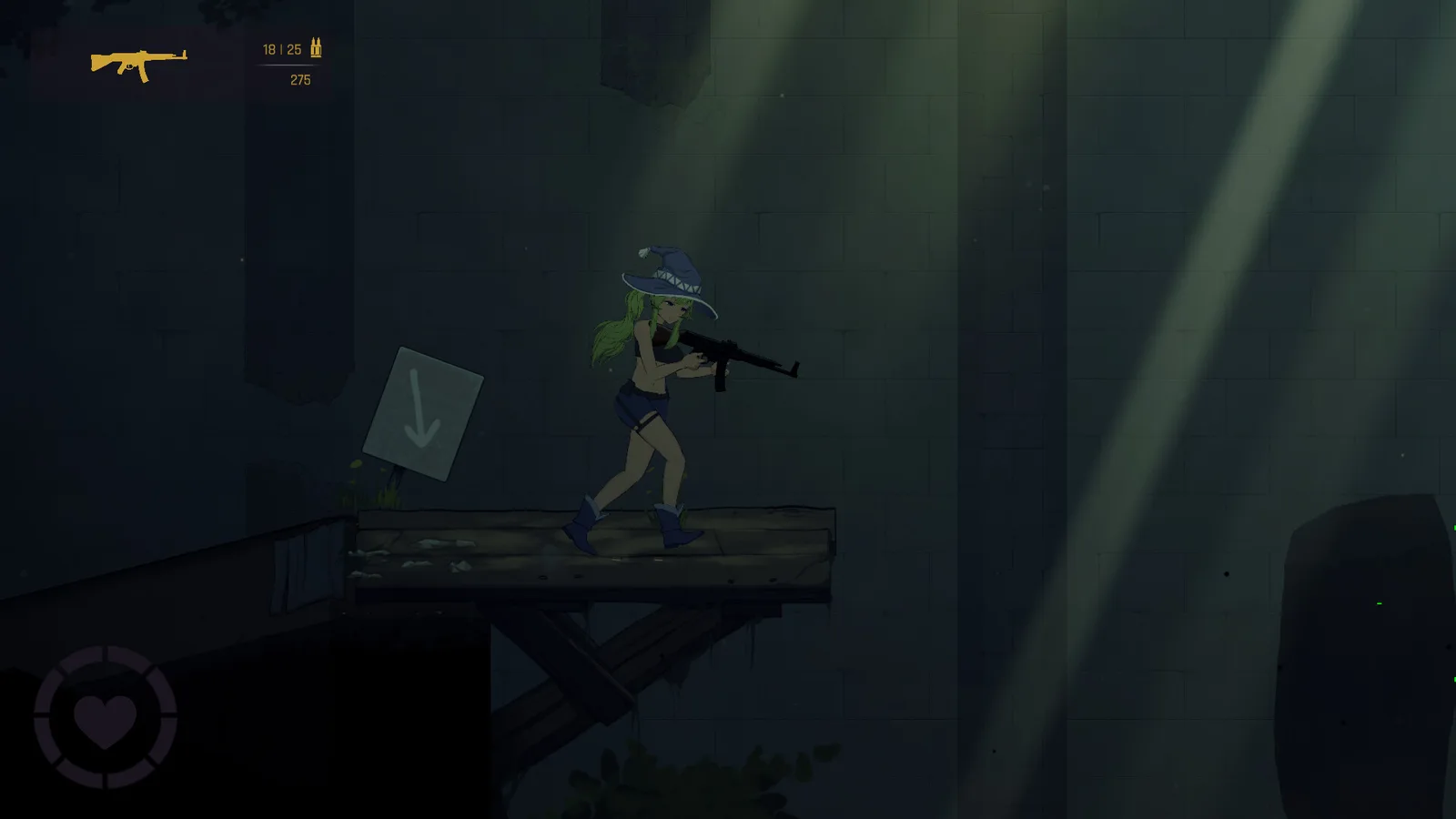
The official minimum specifications
| Part | Minimum | What it means in practice |
|---|---|---|
| OS | Windows 10, 64-bit | No macOS or Linux build is listed on Steam |
| CPU | Intel Core 2 Duo E4500 at 2.2GHz, or AMD Athlon 64 X2 5600+ at 2.8GHz | A 2007-era dual core clears the floor |
| RAM | 8GB | The highest number relative to the rest of the list |
| GPU | GeForce GTX 560 Ti (1GB) or Radeon HD 7750 (1GB) | 2011 mid-range cards, DirectX 11 |
| DirectX | Version 11 | Anything newer also works |
| Storage | 1GB | The whole install fits on a small SSD |
| Extra | 64-bit processor and OS | 32-bit Windows is not supported |
The pairings look odd until you read them twice: a 2007 CPU and a 2011 GPU next to 8GB of RAM. Integrated graphics from the last few years usually beat the GTX 560 Ti on paper, so a modern laptop with 8GB or more has a fair chance. A 2013 laptop with 4GB does not, and the 4GB is the reason.
Why the RAM floor is 8GB
The v1.2 notes list a fix for long load times caused by RAM over-allocation. That tells you the game reserves memory aggressively during loads, and a machine already tight on RAM pays for it in load time rather than frame rate. 8GB is listed because the build expects room to spare, not because the textures are heavy.
If you are at exactly 8GB and the game loads slowly, close the browser before launching. Chromium tabs are the usual reason a machine at the limit starts swapping during a load.
What the specs do not cover
- Recommended settings. Not documented. There is no official list of what a mid-range card should expect at 1080p.
- Frame rate targets. Not documented.
- Steam Deck support. Not documented. Steam shows Windows only, and no compatibility rating is published.
- Demo requirements. The itch demo has no separate spec block. It is the same PC build with content cut, so the minimum applies.
Anyone quoting a frame rate for this game is quoting their own machine. Treat those numbers as one data point.
Settings worth changing first
The v1.2 patch added a brightness slider and an aim guide for gamepads, both under the standard options. Beyond those, you have the usual volume controls, which Steam lists as a custom feature rather than three fixed sliders.
| Setting | When to change it |
|---|---|
| Brightness | The default is dim in the prison and sewer sectors. Raise it before A1 rather than mid-fight. |
| Aim guide (gamepad) | Turn it on for the first session if you play on a pad; it makes the C1 laser pistol usable. |
| Volume | Per-channel sliders exist. Wasp nests are the loudest thing in the game. |
The bloom and darkness that make the sewers readable on a desktop monitor can hide chests on a glossy laptop screen. Brightness is a gameplay setting here, not a comfort one.
If it will not run
| Symptom | Likely cause | Fix |
|---|---|---|
| Long loads, then playable | RAM pressure | Close background apps; the v1.2 build already fixed the over-allocation bug |
| Black screen at launch | Below the DirectX 11 / 1GB VRAM floor | Check the GPU against the list above |
| Gamepad not recognised in menus | Partial controller support | The v1.2 aim guide assumes a pad; if menus ignore it, use the keyboard for the first screen |
| Store page refuses to install | 32-bit Windows | The build is 64-bit only |
There is no published list of known GPU-specific crashes. If the game fails on hardware that clears the minimum, the Steam community hub is the place the reports collect, and the developer reads it.
FAQ
Can CelSector run on 4GB of RAM? The listed minimum is 8GB. Nothing in the patch notes suggests a low-memory mode, so a 4GB machine is outside the supported range.
Is there a Mac or Linux version? No. Steam lists Windows only, and the itch demo is the Windows build.
How much space does it need? 1GB. That is the full install figure, not the download.
Does the game need a dedicated graphics card? The minimum names a GTX 560 Ti or HD 7750, both discrete 1GB cards. Recent integrated graphics often match them, but that is a judgement call, not a published guarantee.
Will it run on a Steam Deck? Not documented. The store page lists Windows only and Valve has not published a rating for the title.
Do the settings include a frame cap? Not documented. The menu carries brightness, volume and the gamepad aim guide; a frame limiter is not in the patch notes.
Sources
Official source: CelSector on Steam ↗ · CelSector demo on itch.io ↗ · Steam news and patch notes ↗
Tested source: minimum specification block read from the Steam store listing on 2026-11-21; the RAM over-allocation fix is quoted from the v1.2 launch update posted 2026-10-19.